Delete your account in the app
- Open the GunClub.Social app and sign in.
- Tap your profile picture in the top right corner, then tap Settings.
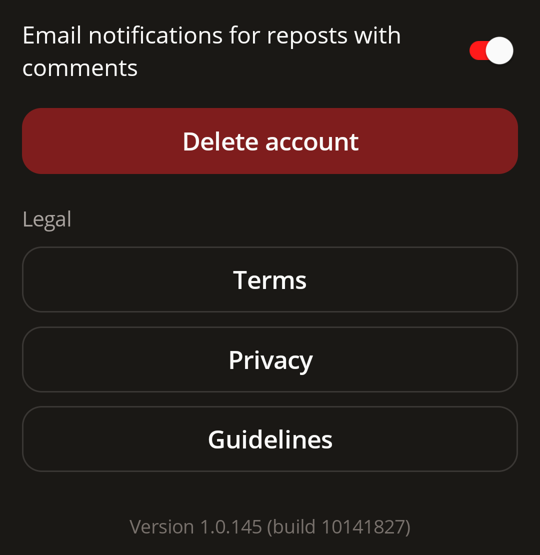
- Scroll to the bottom of Settings and tap Delete account.
- Confirm by tapping Delete. This cannot be undone.
Your account is closed and you are signed out.
Delete your account by email
If you can't use the app, email support@intentmediagroup.com from the email address on your account, with the subject "Delete my GunClub.Social account". We verify the request comes from the account holder before deleting anything.
What is deleted and what is kept
When you delete your account it is closed straight away: you are signed out, and your profile no longer appears in search. Thirty days later we permanently delete or anonymize your data:
- your name, username and email address are removed and replaced with an anonymous ID;
- your profile photo, cover image, bio, real name, phone number, birthday and location are deleted;
- your posts and comments are deleted, with the photos, videos and audio attached to them;
- API clients you created for your account are revoked.
Some information is kept:
- your follows, reactions, bookmarks, sign-in methods and push notification tokens, which stay linked only to the anonymous ID;
- promoted posts and their payment records, which we must keep for tax purposes, with your name removed;
- information we must keep for legal compliance, dispute resolution, fraud prevention, safety or security, and copies in backups for a limited period, as described in section 5.3 of our Privacy Policy;
- content of yours that other people have shared, quoted or embedded, which can remain in their posts.